Enhance your event's appeal and visibility by showcasing sponsors effectively. In this help desk article, we'll guide you through the process of adding sponsorship tiers, categorizing your sponsors, and displaying them on your event landing page.
Click here for the steps to add sponsors
Create sponsorship categories
Now that the sponsors are added, click on the "Add Sponsorship Level" button to create categories for the sponsorship tiers. Follow these steps:
Sponsorship level name (Category name): Input a name for the sponsorship tier (e.g., Platinum, Gold, Silver, etc.).
Logo size: Select the appropriate logo size for this category level (small, medium, or large).
Select sponsors: Choose the sponsors from the list that you want to include in this category.
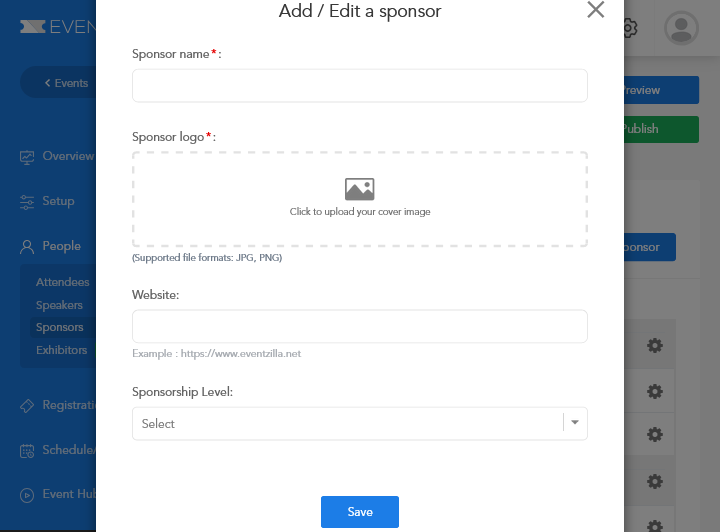
Click "Submit" to finalize the sponsorship category.
Showcase Your Sponsors With sponsorship tiers and categories established, your sponsors will be elegantly showcased on your event landing page.
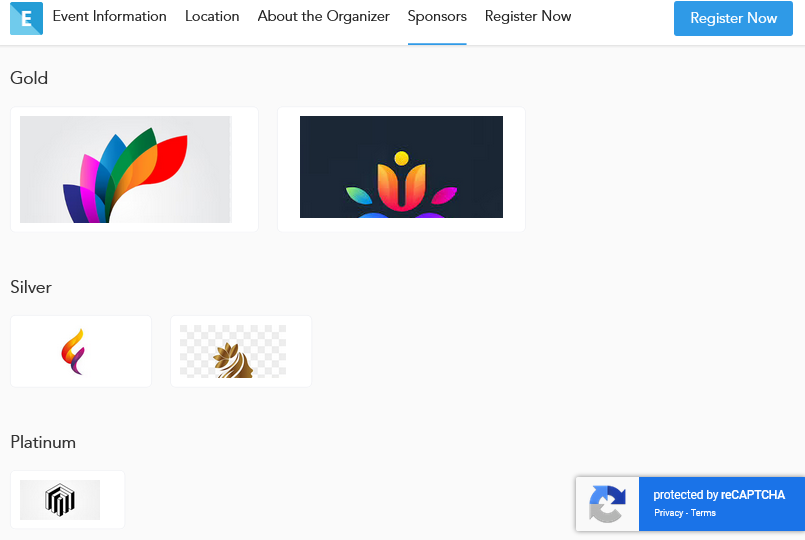
Their logos will be displayed in the designated sizes and labels, giving them the recognition they deserve and increasing your event's appeal.
For any additional questions, contact our support at help@eventzilla.net